Website Maintenance Versus Website Redesign
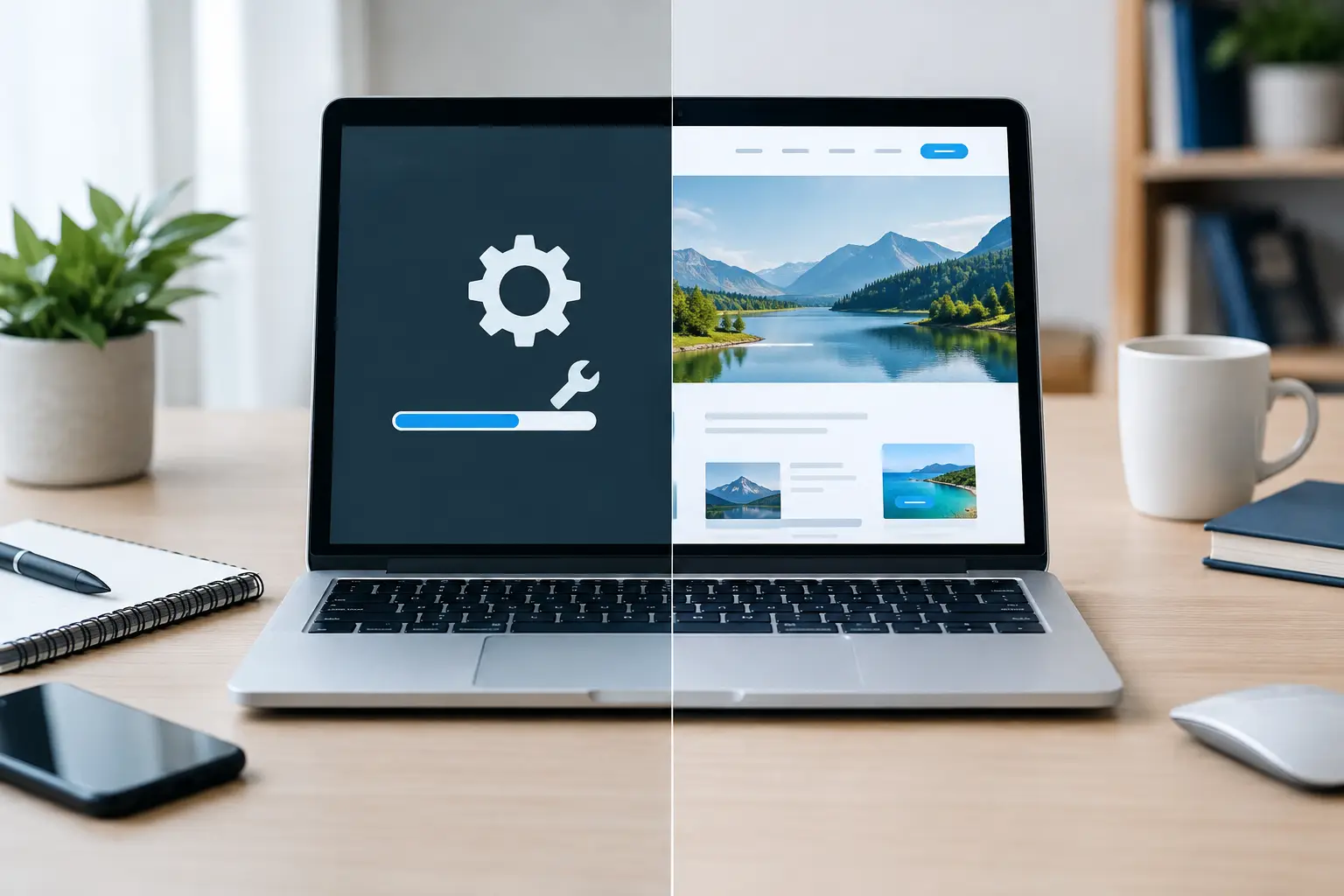
A website that feels a little dated is not always a website that needs replacing. For many small businesses, the real choice is website maintenance versus website redesign: fix the parts that are letting customers down, or rebuild the site around how the business works now.
The right answer depends on what is happening behind the scenes as much as what visitors can see. A slow contact form, an expired plugin or out-of-date opening hours may be straightforward maintenance jobs. But if customers cannot quickly understand what you offer, find your services or make an enquiry, a more considered redesign may save time and missed opportunities.
What website maintenance actually covers
Website maintenance is the regular care that keeps an existing site working, secure and useful. It is usually less disruptive than a redesign because the structure, design and main pages stay in place.
Typical maintenance includes applying software updates, checking that forms and booking tools are working, replacing broken links, renewing or reviewing essential website components, improving page speed and updating business information. It can also cover adding new services, changing staff details, refreshing photographs or making sure a site still works properly on phones and tablets.
For a small business, these jobs matter because websites quietly go out of date. A customer may try to send an enquiry, only to find the form does not submit. Someone else may see an old phone number, a service you no longer provide, or a page that takes too long to load. None of those problems necessarily calls for a new website, but each can affect trust.
Maintenance is particularly sensible when your website already reflects your business well. If the layout is clear, visitors can find what they need and enquiries are coming through, preserving what works is usually better value than changing everything for the sake of it.
When maintenance is the sensible choice
Start with maintenance if the issues are specific and contained. Perhaps your site needs a few new pages, clearer wording, better images or a check of its security and updates. Maybe it looks fine on a computer but needs a few adjustments for mobile users. These are practical improvements, not necessarily reasons to start again.
Maintenance is also useful when your business is changing gradually. If you have introduced a new service, changed your opening arrangements or want to improve a handful of important pages, regular updates can keep the site aligned with the business without the cost and disruption of a full project.
There is a trade-off. Small improvements can add up, but they cannot always overcome a poor foundation. If a site is difficult to edit, built on unsupported software or confusing from the first page, repeated patching may become frustrating and uneconomical.
Signs it may be time for a website redesign
A website redesign looks at the bigger picture: the layout, navigation, content, visual style and the route a visitor takes from first impression to enquiry or booking. It may also involve moving to a more manageable platform or rebuilding pages so they are easier to update in future.
A redesign is worth considering when the site no longer represents the business you run. This often happens after a business has grown, changed its services, started serving a different type of customer or added systems such as online booking, video meetings or Microsoft 365-based processes.
Pay attention to how a first-time visitor experiences the site. Can they tell what you do within a few seconds? Can they find your main service, contact details and next step without hunting around? Is the site comfortable to use on a mobile phone? If the answer is repeatedly no, changing a few sentences may not be enough.
Technical issues can point in the same direction. An older site may have a design that does not adapt properly to modern screens, pages that are difficult to manage, or software that can no longer be safely updated. A redesign gives you a chance to address these issues properly rather than working around them every month.
That does not mean a redesign should be rushed. A new site takes planning, content decisions and testing. It is better to understand the real problem first than to spend money on a newer-looking version of the same confusing customer journey.
Website maintenance versus website redesign: the practical difference
The simplest way to separate the two is this: maintenance improves and protects the site you have; a redesign changes the site’s foundations or direction.
Maintenance asks questions such as: Are the updates current? Do forms work? Is the information accurate? Are there broken pages or obvious speed issues? It is ongoing, targeted work designed to reduce avoidable problems.
A redesign asks broader questions: Who is this site for? What should they do next? Which services matter most? Does the page structure support enquiries? Does the look and wording still feel like the business? It is a project with a clearer beginning and end, followed by maintenance to keep the new site in good order.
Budget matters, but it should not be the only deciding factor. A lower-cost maintenance task can be the right answer when it fixes a genuine issue. Equally, spending repeatedly on temporary fixes can cost more over time if the website needs rebuilding to support the business properly.
Check your website before making a decision
Before choosing either route, take a calm look at the site as a customer would. Use a phone as well as a computer. Try the contact form. Check the pages you most often direct people to. Read the wording aloud and see whether it explains your offer in plain English.
Then think about what has changed in the business since the website was made. You may have new priorities, different customers, a revised service area or more efficient ways for people to get in touch. A site that was suitable three years ago can still be technically functional while no longer helping the business as much as it should.
It also helps to separate urgent faults from improvement ideas. A broken enquiry form, security concern or inaccessible key page should be dealt with promptly. A wish for fresher photographs, clearer service descriptions or a more modern layout can be planned properly rather than treated as an emergency.
Keep a note of recurring issues too. If you regularly struggle to make updates, receive questions that the website should answer, or find that visitors abandon a key page, those patterns are useful evidence. They make it easier to decide whether targeted maintenance will solve the problem or whether a redesign is justified.
A sensible route for small businesses
For many local businesses, the best approach is not an either-or decision. Begin with a review and deal with immediate maintenance concerns. Once the site is stable, decide whether its structure, content and customer journey still support where the business is heading.
This approach avoids paying for a redesign because a few updates were overdue. It also prevents a website being endlessly patched when a clear rebuild would be more useful. The aim is not to make a site look fashionable. It is to make it easy for the right people to understand your business and get in touch.
If you are unsure which category your issue falls into, explain what is not working in your own words. A practical website review should set out what can be fixed, what would benefit from improvement and what work would need a separate agreed quote before it goes ahead. FixPoint IT Support can help Basildon and surrounding Essex small businesses assess website issues without the jargon or pressure to commit to ongoing support.
A well-maintained website is easier to trust, easier to manage and less likely to cause a surprise at the worst moment. When the business has outgrown the site, a thoughtful redesign can give it a clearer job to do. Start with the problem customers are experiencing, and the right next step usually becomes much clearer.