Home IT support
Home IT Support in Essex: A Practical Guide
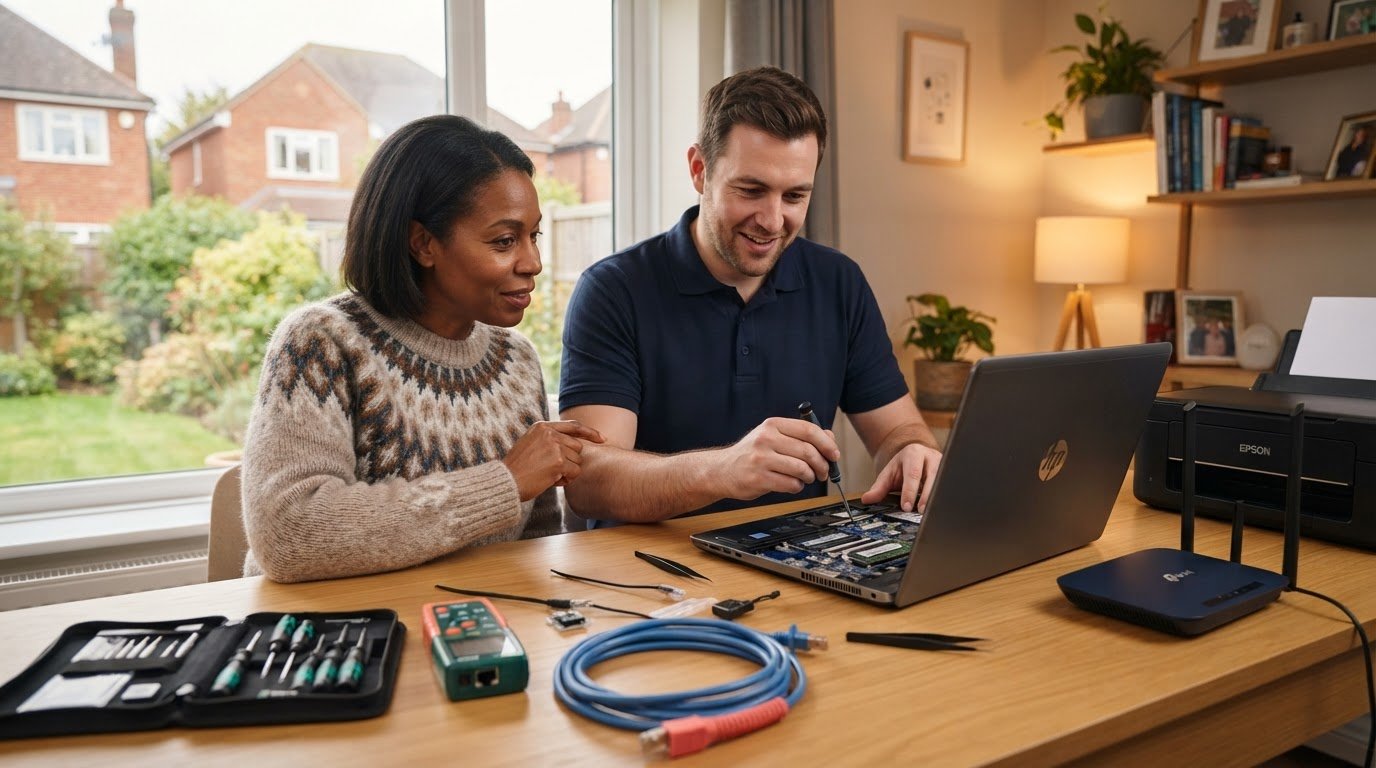
A slow computer, a printer that will not connect or unreliable Wi-Fi can interrupt everyday life. If you are looking for home IT support in Essex, you should be able to explain what is going wrong in your own words and get clear, practical guidance in return.
FixPoint IT Support helps home users in Basildon and the surrounding Essex area with computers, Wi-Fi, printers and security concerns. Depending on the issue, help can be arranged remotely, at your home or through a workshop appointment. You do not need to diagnose the fault before getting in touch.
This guide explains what home IT support can cover, which approach may suit your problem and what to expect when asking for help.
Key takeaways
- Start with what you have noticed: a slow computer, an error message, a connection problem or a security concern.
- Remote help can suit some software and settings problems; home visits and workshop appointments allow hands-on checks.
- Note which devices are affected, when the problem began and what you have already tried.
- Many FixPoint home services start from £45, with the price agreed before chargeable work begins.
- Local visits are arranged around Basildon and nearby Essex. Ask us to confirm coverage for your postcode when booking.
When does home IT support make everyday problems easier?
A computer takes ages to start. Wi-Fi drops out during a video call. The printer appears connected, but nothing comes out. Then an alert appears, and you are unsure whether it is important or safe to dismiss. These problems can interrupt work, study and everyday tasks even when the cause is not obvious.
Home IT support is practical help with the devices and connections you rely on. It starts with what you have noticed, rather than expecting you to know the technical explanation.
Symptoms and causes are not always the same. If a laptop and wireless printer both lose their connection, the problem may involve the Wi-Fi rather than either device. A slow computer could be affected by background software, limited storage or a hardware fault. Looking at the wider setup helps narrow down what needs attention.
When is it sensible to ask for help?
For an ordinary connection or software problem, basic checks such as restarting the affected device or confirming that it is connected to the right network may help. If the issue returns, those checks do not help or you are unsure what a warning means, it is reasonable to ask for support.
There is no need to wait for a complete breakdown. Getting help can be particularly useful when several devices are affected or technology is stopping you working, studying or completing everyday tasks. Describe what you can see rather than guessing at a fix.
What home IT support can help you get sorted
Start with what you need to get working again. Some issues call for troubleshooting, while others are better suited to a computer tune-up, security clean-up or help setting up a device.
| What you notice | Support that may help |
|---|---|
| A computer crashes or shows repeated errors | Laptop and desktop diagnostics to investigate the fault |
| A computer has become sluggish over time | A computer tune-up and health check |
| A printer will not connect or print | Printer setup, driver checks and connection troubleshooting |
| Wi-Fi drops out or does not reach some rooms | Wi-Fi and home network help |
| A security warning or suspicious software worries you | Virus and malware removal and security checks |
| You need help with a new computer or an upgrade | Computer setup, file transfers and upgrades |
| You need to protect or recover important files | Backup setup or data recovery assessment |
Computers, performance and software
For a laptop or desktop that crashes, displays errors or behaves unpredictably, diagnostics can help establish whether the issue relates to software or hardware. If the computer still works but feels slower than it used to, a tune-up can check startup settings, storage, updates and unwanted software.
A tune-up and a repair address different needs. If the checks reveal a failing drive, insufficient memory or another hardware problem, we explain the options before suggesting extra work. An upgrade may be worthwhile, but it should follow an assessment of the device rather than an assumption that new parts will solve everything.
Wi-Fi, printers and device security
Connection support can cover Wi-Fi dropouts, wireless setup and router configuration. Printer help may include installation, driver settings and connection checks so your computer and printer can communicate properly.
A security clean-up can involve scanning for and removing malicious software, followed by checks and advice on the next steps. Unusual pop-ups do not automatically prove there is a virus, so describe what happened and which device was affected.
For ongoing protection, the National Cyber Security Centre provides practical advice for staying secure online, including software updates, strong passwords and two-step verification.
Remote, on-site or workshop support: what fits?
The right way to provide support depends on the fault and what needs to be examined. You do not have to choose the correct option before contacting FixPoint; explaining the symptoms gives us a starting point.
When might remote IT support be practical?
Remote help may suit software errors, settings questions and some troubleshooting tasks. A technician can guide you through a setting or, with your permission, use a remote connection to investigate.
You will need a working internet connection and a device that can start and run the required software. Remote help may not be practical if the connection itself is down, the computer will not start or physical inspection is needed.
Only allow remote access as part of a support session you have arranged with a provider you trust. Do not install remote access software because an unexpected caller or pop-up tells you to.
When is a home visit more suitable?
An on-site visit can be useful when the problem involves several connected devices or the layout of your home network. Seeing the router, computer and printer together gives the technician a clearer picture of how the setup behaves.
It can also help with devices that need to be configured where they are used. A Wi-Fi problem that affects one upstairs room, for example, is easier to assess in that room than from a description alone.
FixPoint is based in Basildon and arranges local visits in the surrounding Essex area. Tell us your postcode when enquiring so we can confirm coverage and the most suitable support option.
When does a workshop appointment make sense?
A workshop appointment may suit computer faults that need physical inspection, replacement parts or longer testing. The computer can be examined directly, which is useful when the issue cannot be properly assessed through a remote connection.
We discuss the arrangement with you when booking. For a laptop, it can be helpful to bring its charger; let us know if the fault also involves a particular accessory. Do not travel with equipment until the appointment has been agreed.
What to expect when arranging home IT help
Asking for help does not mean arriving with a diagnosis. A clear account of what you have noticed gives FixPoint a practical starting point.
How to describe the problem clearly
Before getting in touch, note a few details:
- What happened? Include the message on screen, what the device did or what stopped working.
- When did it begin? Mention whether it followed a change, such as installing software or moving equipment.
- How often does it happen? Say whether the problem is constant or comes and goes.
- What is affected? Identify the devices or rooms involved, such as one laptop or several devices on the same Wi-Fi.
- What have you tried? A short list of checks helps avoid repeating them unnecessarily.
- What is the impact? Explain whether it is stopping you working, printing or using a service you rely on.
“The laptop freezes when I open a video call” is more useful than a guessed technical term. A screenshot of an error can also help, provided you remove any private information first.
Do not send passwords, authentication codes or recovery keys through the enquiry form, email or WhatsApp. If access is needed later, we will discuss an appropriate way to handle it.
Agreeing the work and the price
FixPoint starts by discussing the symptoms and the help you need. The support method depends on the problem and the equipment involved. Once the issue has been assessed, we explain the findings and practical next steps.
Many home services, including computer repairs, tune-ups, Wi-Fi help and virus removal, start from £45. This is a guide price: the total depends on the work required and any parts or paid software. We agree the price before chargeable work begins.
No fix, no fee applies to repairs. If parts, licences or further work are recommended, we explain the options and agree the cost before going ahead. See our home IT support services for the current service information.
Choose FixPoint for approachable home IT support
FixPoint IT Support is independently owned and based in Basildon, Essex. We help residential customers with personal computers and home technology, focusing on practical troubleshooting and clear explanations.
You should feel comfortable explaining what you have noticed and asking questions, whatever your level of technical confidence. You do not need to know whether the fault sits with the computer, its software or another part of your setup.
To start, send us an enquiry with a description of the problem, your postcode and what you have already tried. We can then discuss a suitable way forward.
Frequently asked questions
What does home IT support in Essex include?
It can include laptop and desktop troubleshooting, tune-ups, software help, Wi-Fi problems, printer setup and security clean-ups. FixPoint also helps with new computer setup, upgrades and backups. The work is matched to the problem and the equipment involved.
Can you help with my home Wi-Fi and printer?
Yes. FixPoint helps with connection drops, weak Wi-Fi coverage, router configuration and wireless printer setup. If several devices have stopped communicating, tell us which ones are affected and where they are used.
Is remote IT support suitable for a home computer problem?
It can suit some software and settings problems when the computer and internet connection are working. Hardware faults, a computer that will not start or problems that need hands-on testing may be better suited to a home visit or workshop appointment.
Can FixPoint help if I am not confident with computers?
Yes. Explain what you have noticed in everyday language. You do not need to know technical terms or identify the cause before asking for help. We can discuss the symptoms and explain the next steps clearly.
How much does home IT support cost?
Many FixPoint home services start from £45. The final price depends on the work and any parts or paid software needed. We agree the price before chargeable work begins, and no fix, no fee applies to repairs.
Can you remove a virus from a home computer?
Yes. FixPoint provides virus and malware removal with security checks and advice afterwards. Tell us what you have seen and when it began; a warning or pop-up alone does not establish the cause.
Do you provide home IT support near Basildon?
Yes. FixPoint is based in Basildon and supports home users in the surrounding Essex area. Give us your postcode when enquiring so we can confirm local visit coverage. Remote or workshop support may also be an option, depending on the issue.